7
Test
Echoes of Calir: chess where you build the board yourself
Five units, five terrains, an 8 by 8 board and zero luck. A free game, with no real-money purchases, made by a single developer.
Alexandrosse
5 min
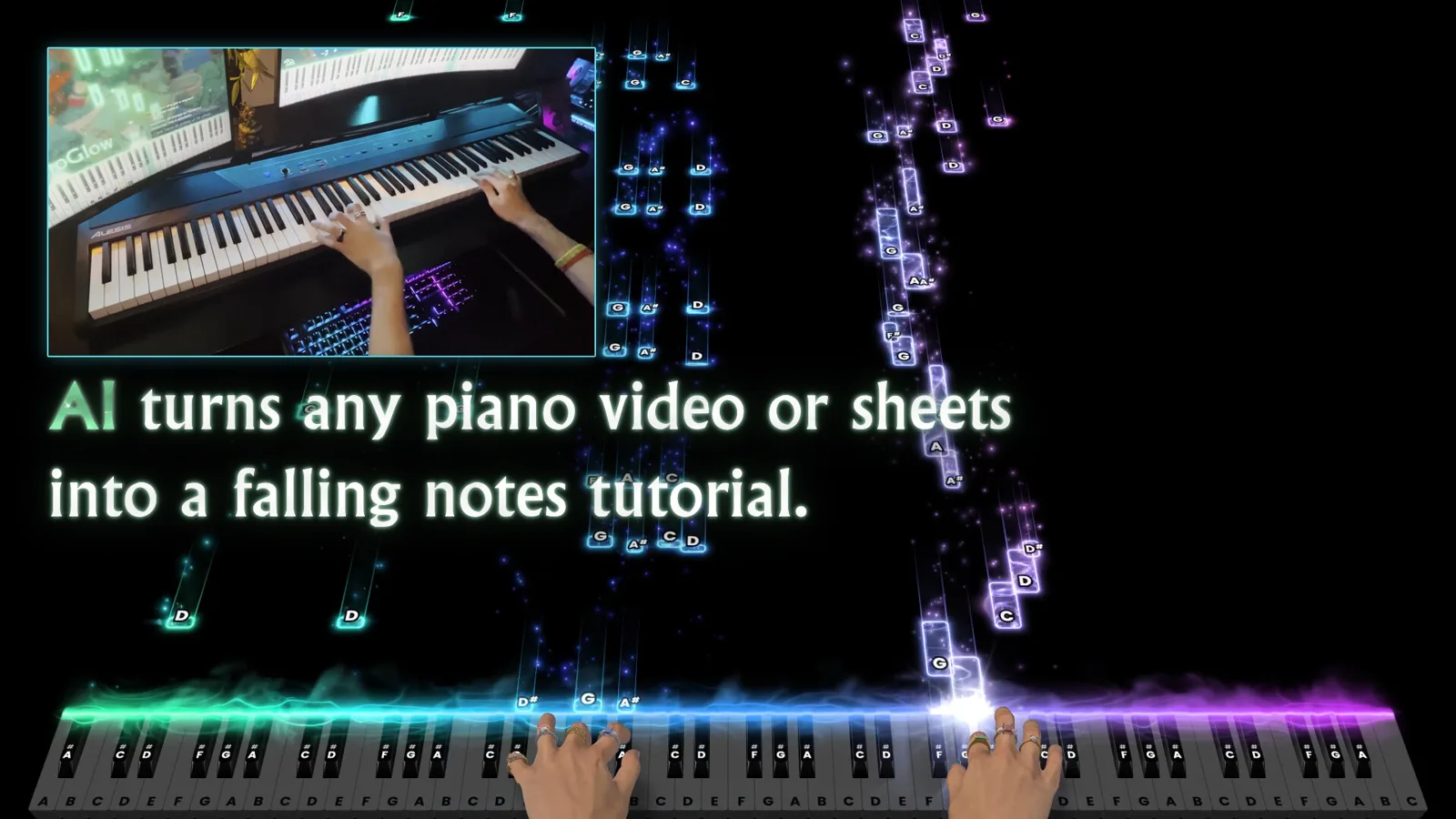
Falling notes, online lobbies, a mode where you draw with the piano and 3D cats napping on the lid. Not a game, and yet you keep coming back.
Alexandrosse
InsertCoins.press Score
8/10
Verdict
Recommended
I cannot play the piano. I can type fast on a computer keyboard. PianoGlow starts from exactly that gap.
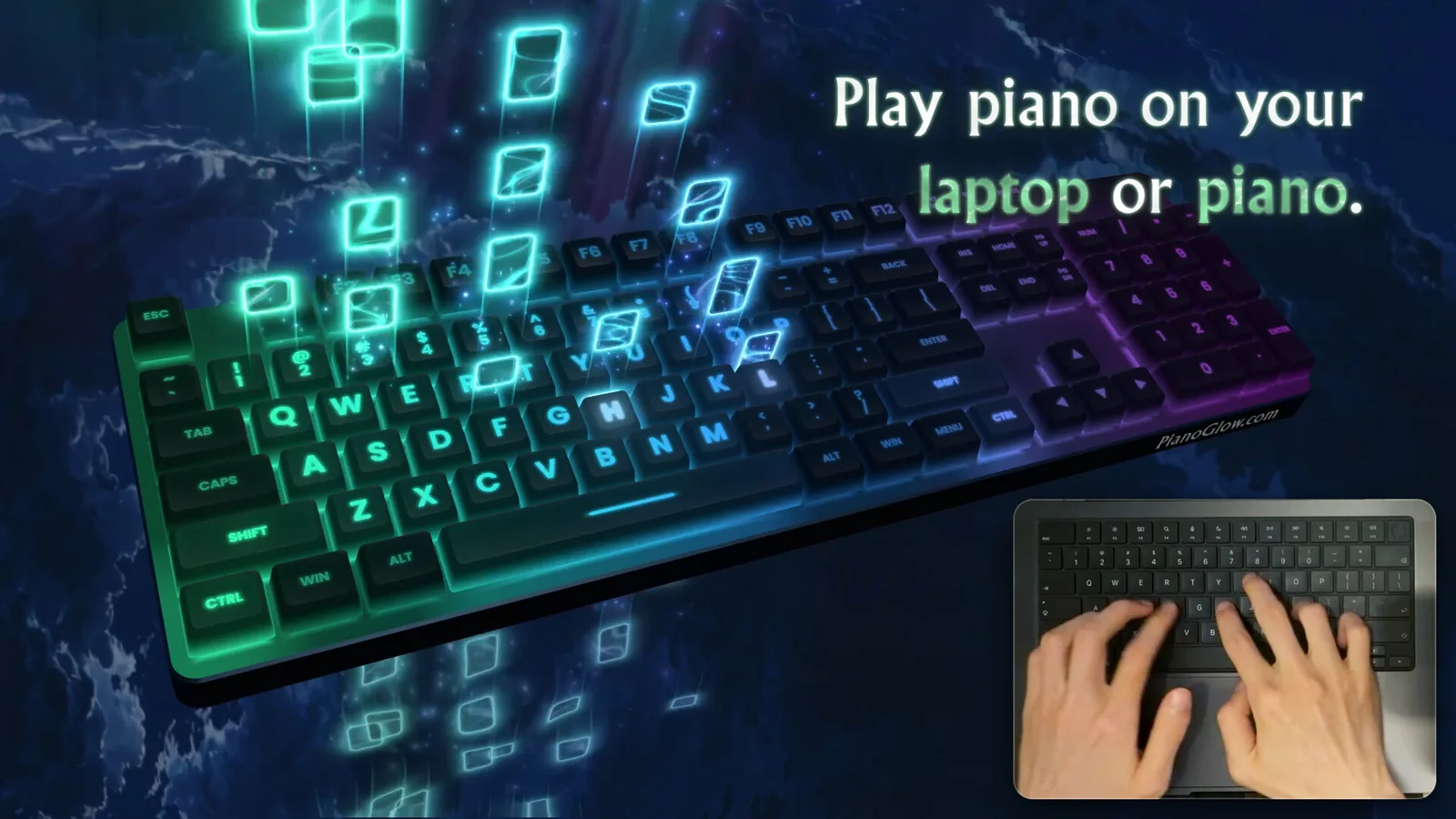
Every key on your QWERTY keyboard becomes a note. Notes fall from the top of the screen like in a rhythm game, and by default the game pauses until you play the right one. No score collapsing, no song moving on without you. It waits. It is a setting, you can switch it off, but it is what lets a beginner reach the end of their first piece instead of closing the app after two minutes.
Plug in a real MIDI keyboard, over USB or Bluetooth, and everything scales up. Songs adapt automatically to small keyboards, down to 25 keys, which means the little controller gathering dust in a cupboard becomes useful again.
It is not the learning tool that kept me around, it is everything else.
There are lobbies where you take turns playing in front of others, with a queue. There is a Mania mode in 4 or 7 keys, for people coming from rhythm games. There is a guess-the-song mode where everyone plays a piece and the others have to name it. And there is my favourite absurd idea that works this year: a Pictionary where you draw by playing piano. Every note draws a line. I will let you imagine a giraffe drawn by someone who does not know where middle C is.
That mode alone is worth opening the app on a Friday night with friends.
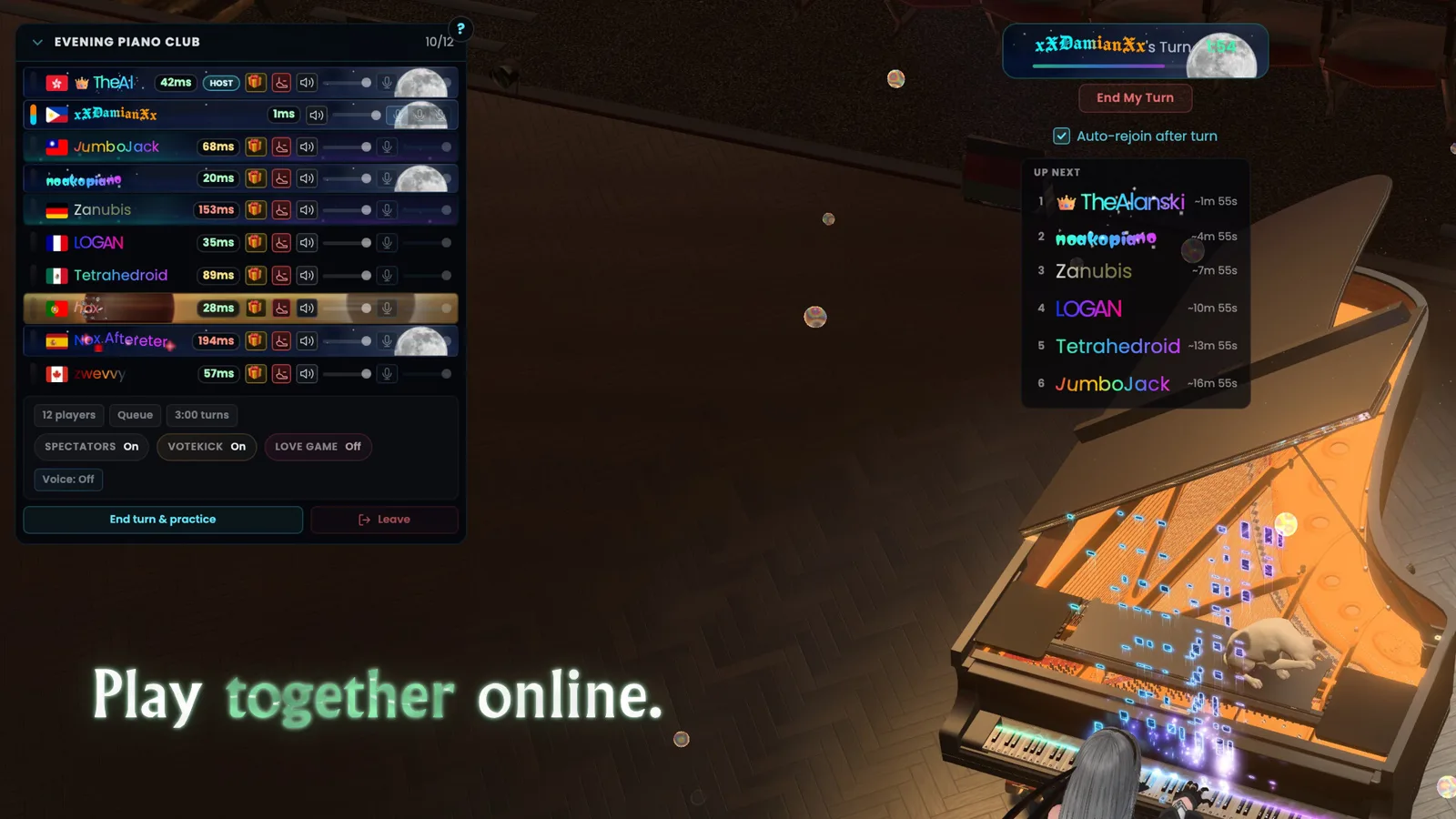
The feature list is dizzying. MIDI editor, loops, sound banks, an interactive circle of fifths, chord recognition, a calendar logging your practice minutes, lights on compatible keyboards. A 3D piano with virtual hands, concert venues, a first-person camera. And 3D cats that sleep and wander around the instrument, because why not.
There is also a converter that turns a piano video, an audio file or a PDF score into a falling-notes tutorial. Results depend on the source, but when it works on the piece you wanted to learn and could not find as MIDI anywhere, it feels like magic. The developer states on Steam that some 2D assets and part of the interface were made with the help of AI.
The flip side of all this generosity is the interface. Menus pile up, settings hide behind one another, and you spend a while hunting for something you just saw go by. The guided tours added just before launch help, without fixing everything.
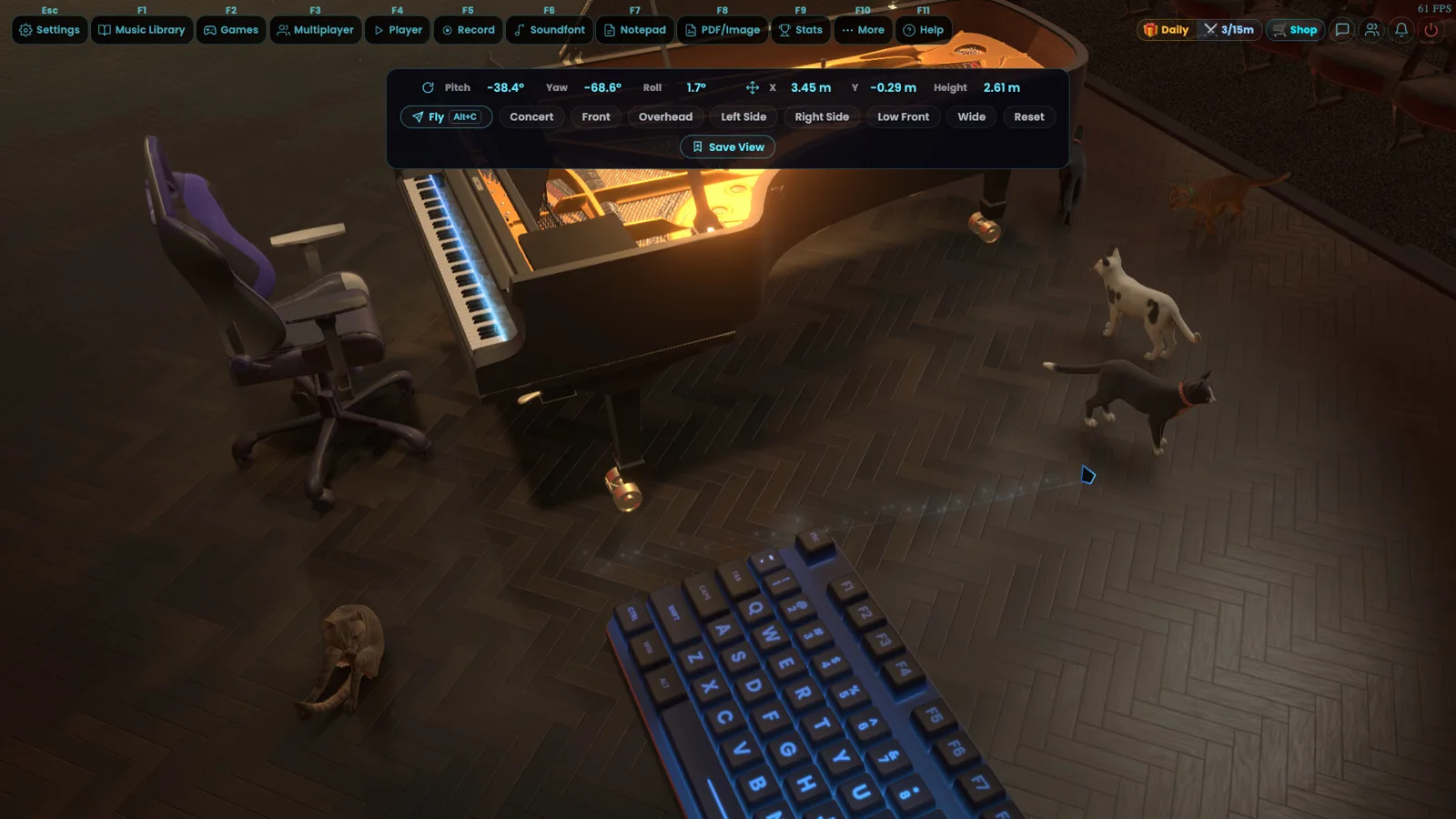
Not the trained pianist looking for a teacher: PianoGlow does not correct your posture or your real fingering, even if it suggests fingerings. For everyone else, people who want to play a video game theme on their office keyboard, people with a sleeping MIDI keyboard, people looking for a multiplayer music game that is not karaoke, it is a lovely surprise.
Players agree: 97% of 266 reviews are positive, and nearly 190 people were online the day it left Early Access. For a piano app, that is a lot.
If you try piano Pictionary, the InsertCoins Discord welcomes screenshots of failed giraffes.
Community
Your rating
Advertisement
Loading comments...
You might also like
Five units, five terrains, an 8 by 8 board and zero luck. A free game, with no real-money purchases, made by a single developer.

Command a fleet on the map, then dive on the Shokaku yourself. A great idea, five campaign missions, and a tiny studio.
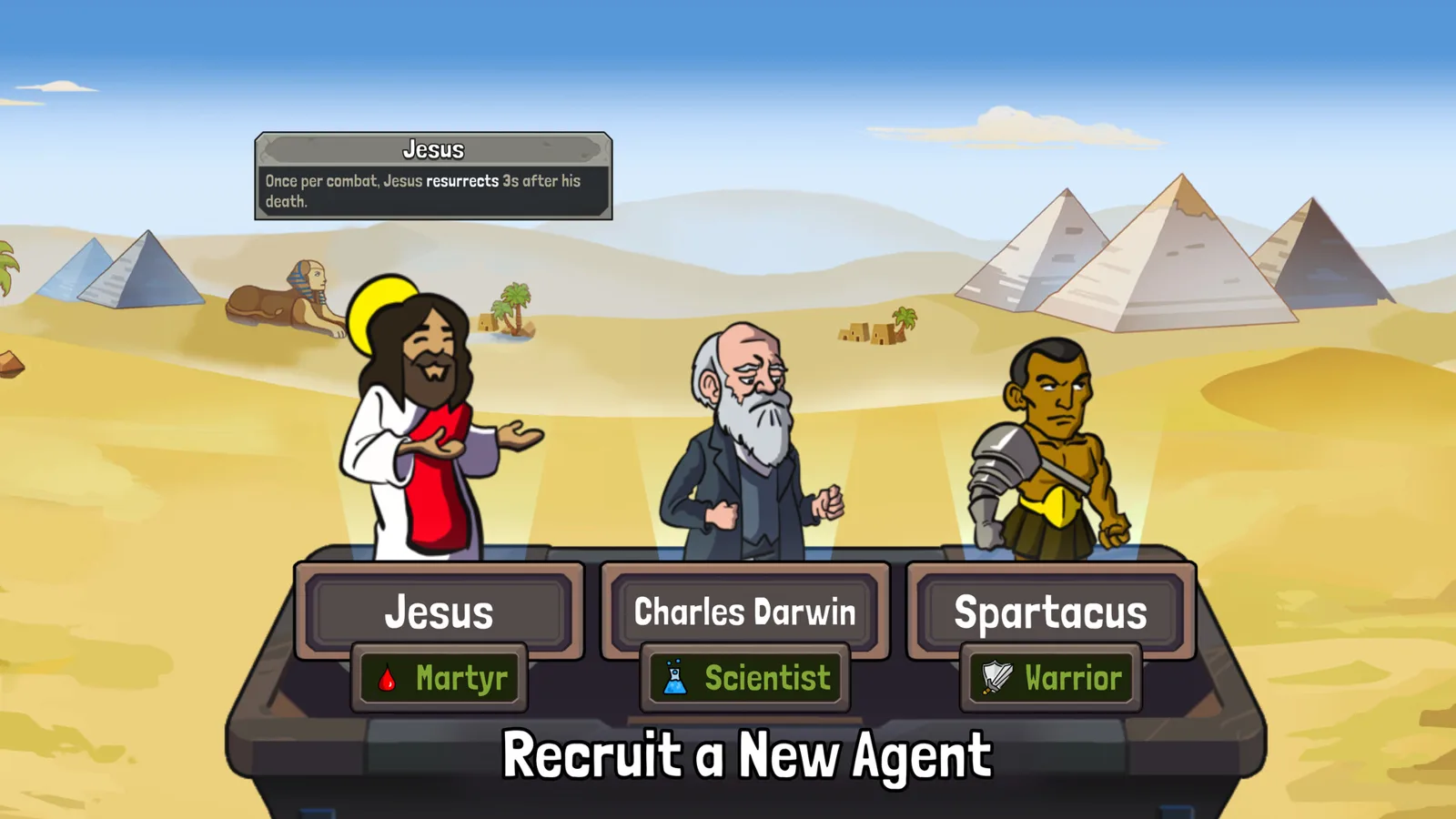
A time machine, historical figures to gear up, and fights that play out without you. The best part is playing with two friends.